how to use AI safely in coding | AI Coding Guardrails for Startups

By Asad shah
Published on April 1, 2026
Why This Matters (From My Experience)
Right now, every startup is using AI to write code.
And honestly, I also use it every day when building web apps and MVPs for clients.
But here’s the problem
Most founders and even developers are moving fast… but ignoring security and long-term stability.
AI helps you ship faster.
But if you are not careful, it also helps you create technical debt and security issues faster.
So in this article, I’ll share how I personally use AI safely when building production-level applications.
1. Never Trust Generated Code Blindly
AI code looks clean. Sometimes even better than human-written code.
But that doesn’t mean it’s correct.
I’ve seen cases where:
- Logic was wrong
- edge cases were missing
- Security vulnerabilities were hidden
What I do:
- Always review code manually
- test edge cases
- validate actual behavior
If you skip this, you’re basically trusting a junior developer without review.
2. Protect Secrets (This is Critical)
This is one of the biggest mistakes I see.
People paste:
- API keys
- tokens
- database credentials
directly into prompts or code.
This is extremely risky.
My approach:
- always use environment variables
- store secrets in secure vaults
- Rotate keys regularly
Rule:
Never expose anything you wouldn’t show publicly.
3. Keep Humans in the Loop
AI is powerful, but it does not understand:
- your business logic
- your architecture
- your long-term scalability
That’s why I never let AI make final decisions.
Especially for:
- security changes
- database structure
- infrastructure
A real developer must review everything.
4. Limit Permissions
Never give AI tools direct access to:
- production servers
- live databases
This is dangerous.
What I do instead:
- Use staging environments
- test everything in the sandbox
- Apply strict role-based access
Even if something breaks, it won’t affect real users.
5. Log Everything
This is something most startups ignore.
But logging is extremely important.
I keep track of:
- prompts used,
- generated outputs
- Code changes
Why?
Because when something breaks:
- You can trace the issue
- You can debug faster
- You stay compliant
6. Validate Dependencies
AI often suggests libraries.
But not all libraries are safe.
Some are:
- outdated
- poorly maintained
- vulnerable
Before using any package, I check:
- GitHub activity
- security issues
- community support
Never blindly install what AI suggests.
7. Enforce Code Standards
AI doesn’t know your project structure unless you guide it.
So sometimes it generates:
- messy naming
- inconsistent patterns
- bad architecture
I always:
- enforce coding standards
- Refactor AI code if needed
- align with project architecture
Clean code matters more than fast code.
8. Test Before Deployment
This is non-negotiable.
AI code without testing = risk.
I always add:
- unit tests
- integration tests
- security checks
Automated testing saves you from future headaches.
9. Avoid Over-Reliance on AI
AI is a tool, not a decision maker.
If you depend on it for:
- system design
- architecture decisions
You will face problems later.
My mindset:
Use AI to speed up execution, not replace thinking.
10. Monitor Production Behavior
Even after deployment, the job is not done.
AI-generated code should be treated as high risk initially.
I always monitor:
- logs
- performance
- unusual behavior
This helps catch issues early before they become serious.
Final Thoughts
AI is changing how we build software.
And honestly, it’s a huge advantage, especially for startups.
You can:
- build faster
- launch quicker
- validate ideas early
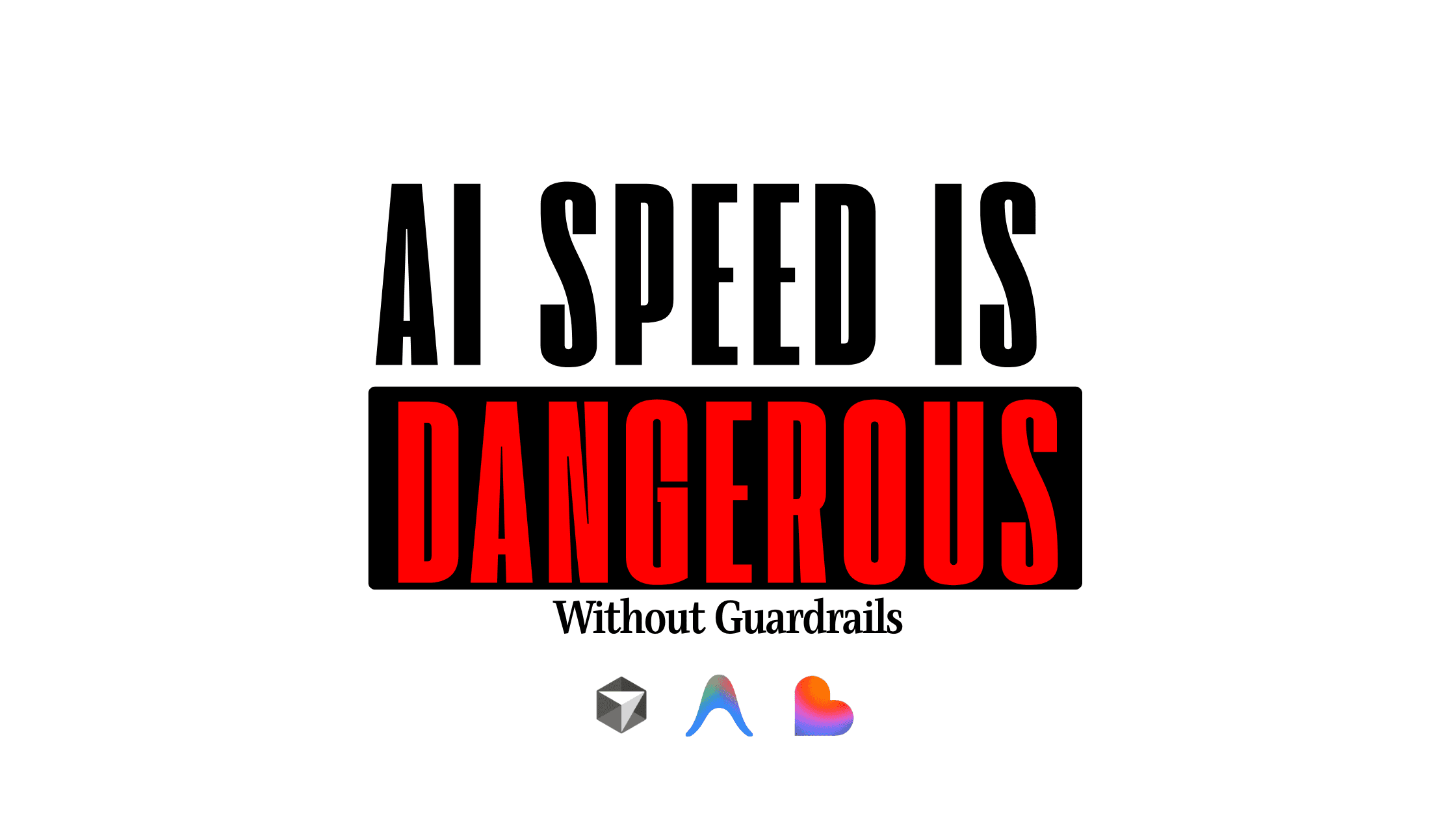
But speed without control leads to problems.
The goal is simple:
Move fast, but don’t break your foundation.
If You’re Building Something
If you're a founder or someone planning to build a web app or SaaS…
I help startups:
- build MVPs fast
- Choose the right tech stack
- scale securely